
Detection
Start with the reason, not a vague alert.
Review severity, source, identifiers, and technical details from the same case.
PXUI puts detections, evidence, player history, and staff actions on the same record. Review faster. Decide with context.
Built for QBCore and QBX servers
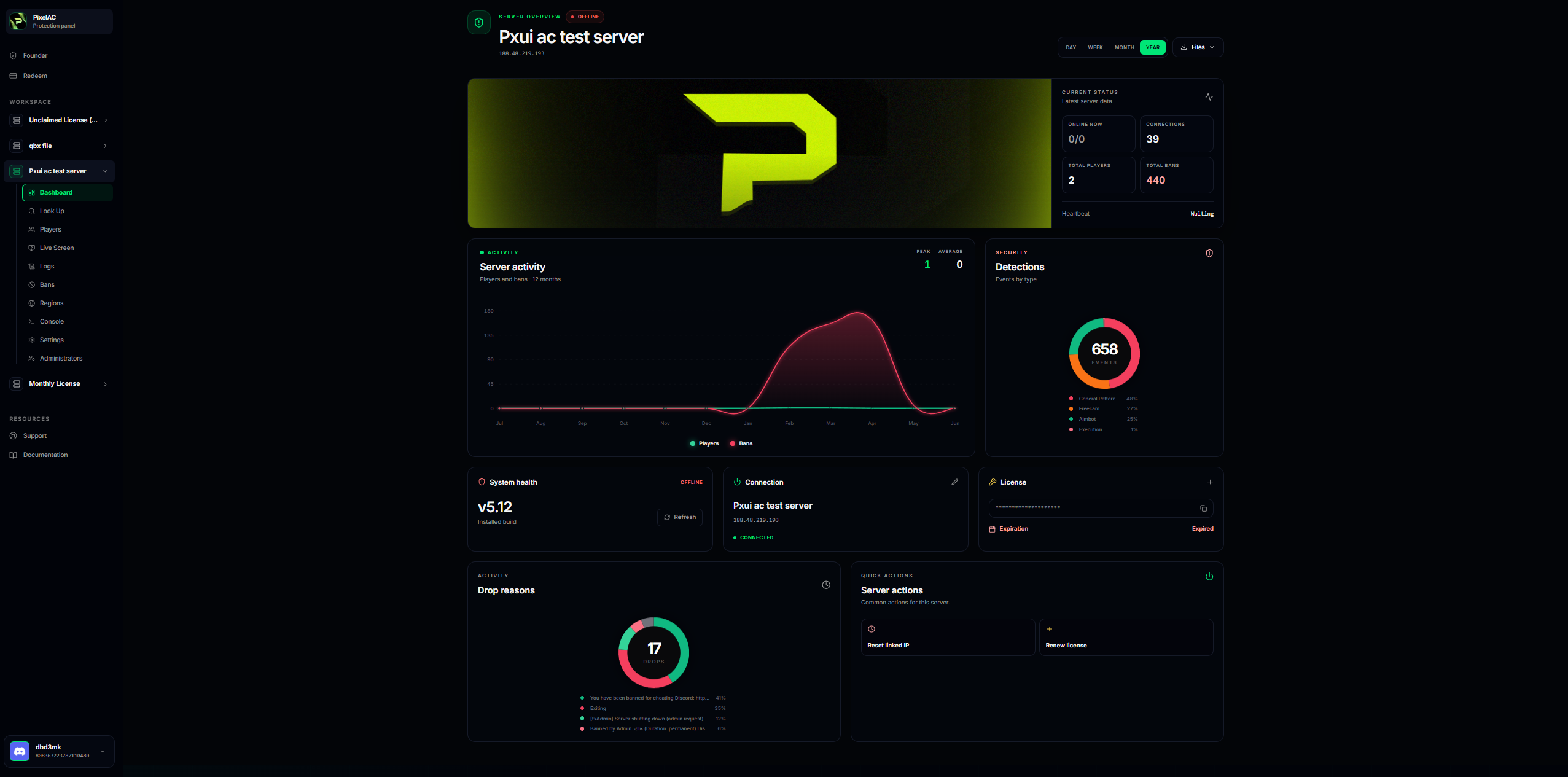
One place to review
No more matching an alert to a player, then searching another channel for evidence, then checking a separate log for the final action.
Review severity, source, identifiers, and technical details from the same case.
When a recording is available, staff can review it without leaving the incident.
See relevant identifiers, previous activity, bans, and case history in one place.
Manage access, licensing, configuration, and operational settings from the server workspace.
How it works
The process stays simple during a live incident and remains easy to understand later.
PXUI receives the relevant client or server signal and keeps its technical context.
Staff check the player, identifiers, history, and any evidence that is available.
The action and its reason stay attached to the same incident record.
Access control
Owners keep full control while moderators and support staff receive only the access they need.
Licensing, staff permissions, releases, and server-level settings.
Detections, player history, evidence, and moderation actions.
Visibility into approved areas without unnecessary admin access.
Security by design
Authentication, subscription access, ownership, and staff permissions are handled on the server side.
FAQ
Yes. PXUI is built to support FiveM servers running QBCore or QBX.
PXUI workspace
Sign in to manage your server, review detections, and keep staff actions connected to the incident.